Setup Guide
How to get an OpenAI API key
True Job Fit uses OpenAI to analyse job matches. You'll need your own API key — it only takes about 5 minutes to set up.
Go to platform.openai.com and sign up with your email. If you already have a ChatGPT account, you can sign in with the same email.
platform.openai.com/signup →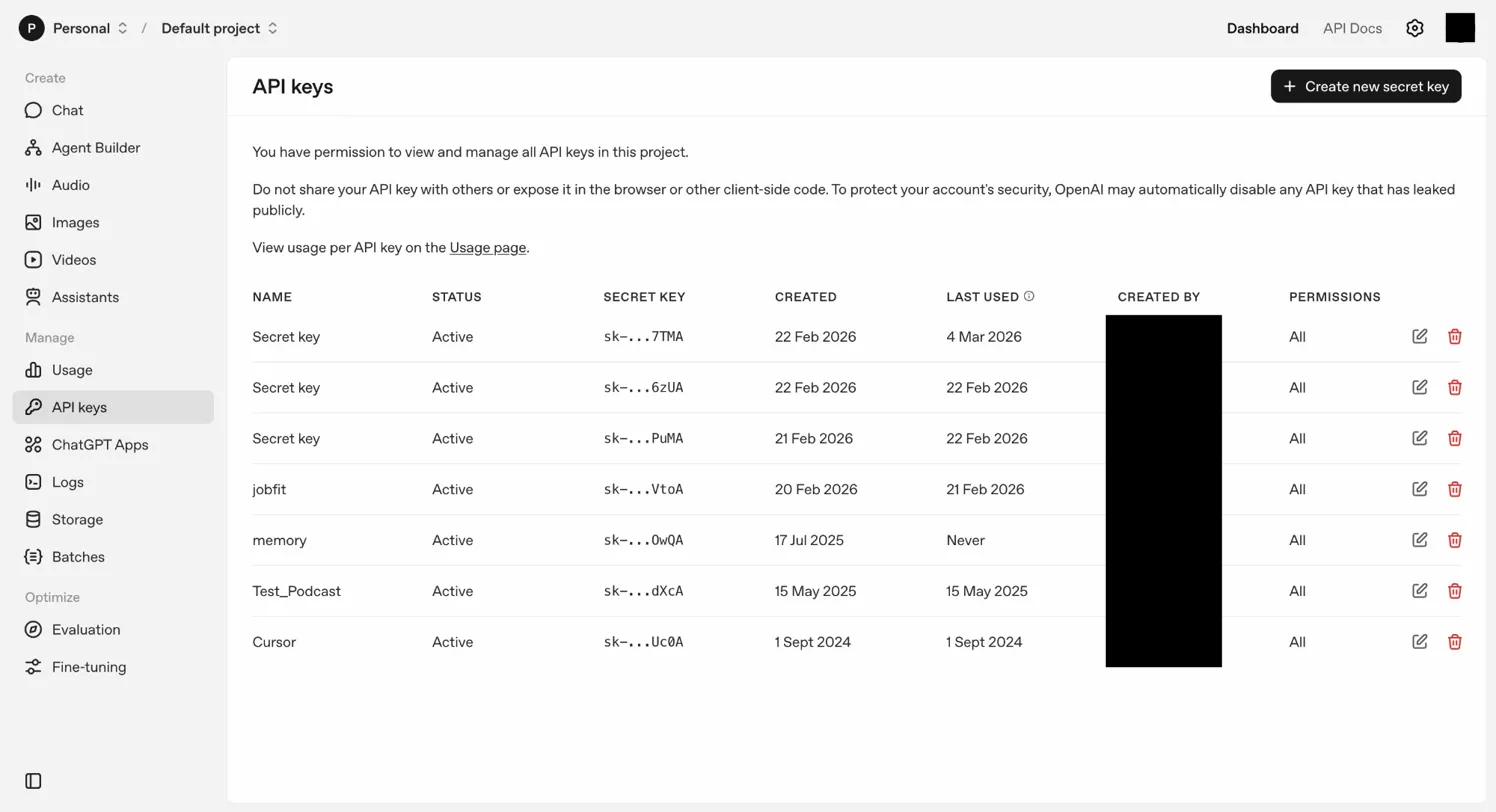
OpenAI requires a credit card before you can use the API. Go to Settings → Billing and add a payment method.
platform.openai.com → Settings → Billing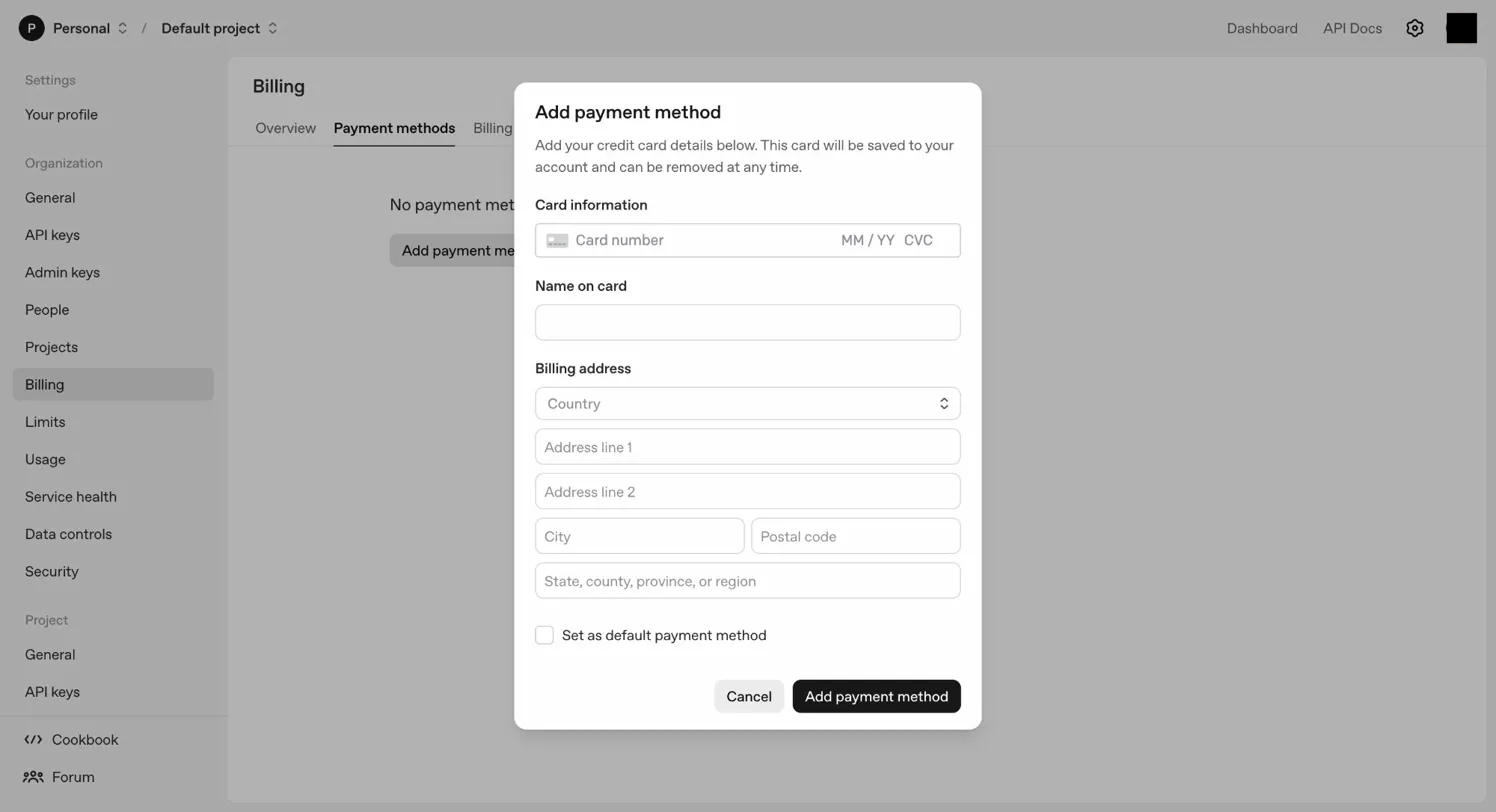
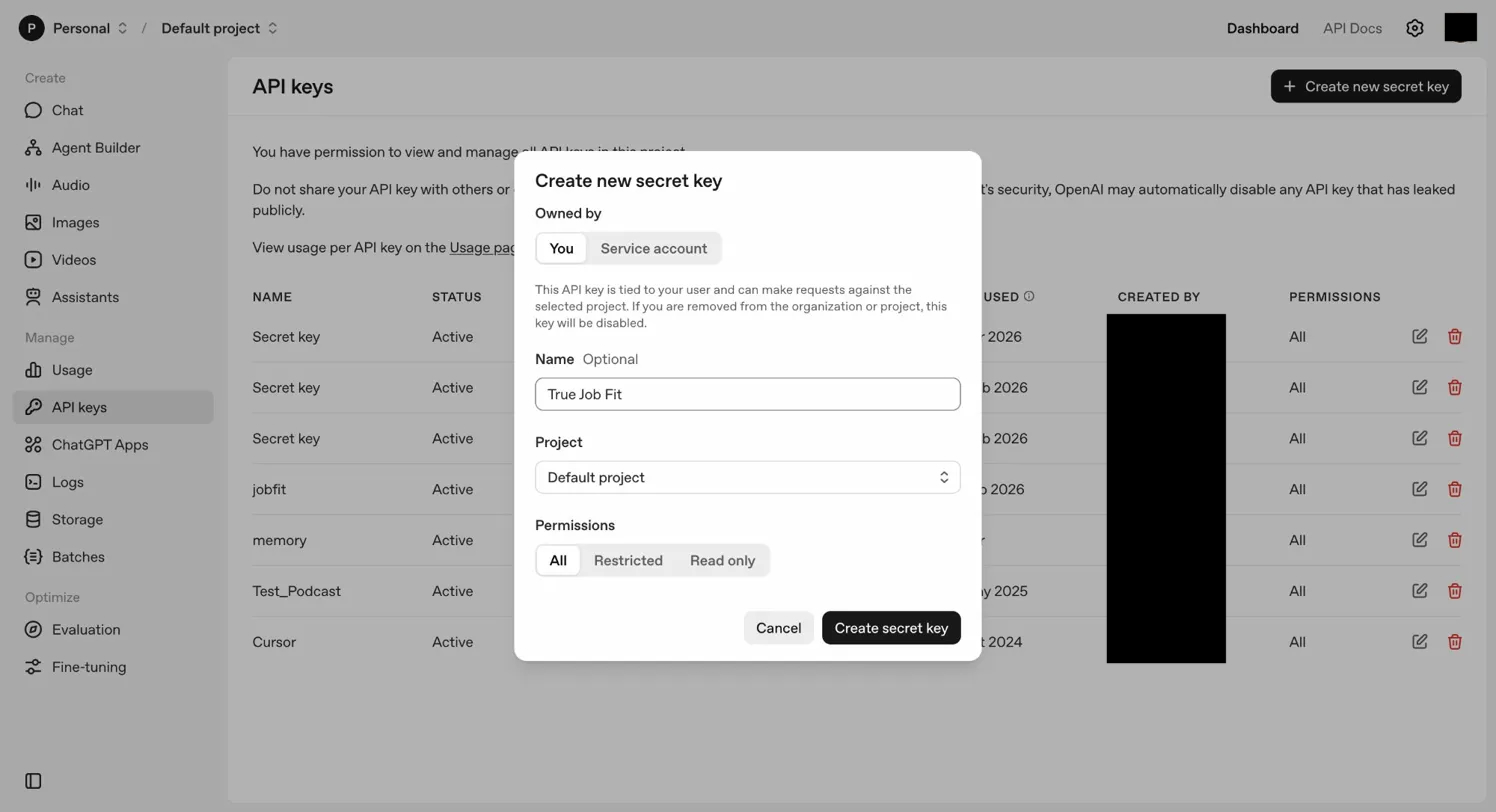
Go to API Keys in the left sidebar and click + Create new secret key. Give it any name (e.g. "True Job Fit").
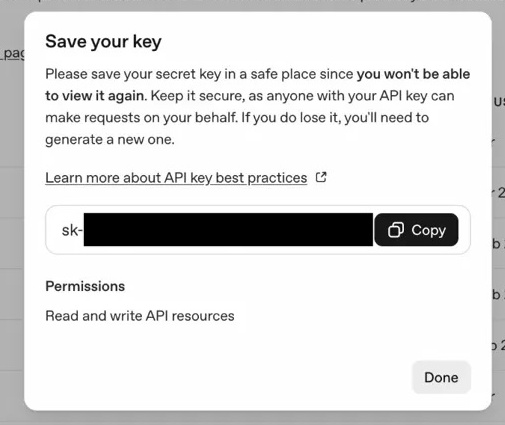
platform.openai.com/api-keys →sk-.
Click the True Job Fit icon in your Chrome toolbar to open the popup. Paste your API key (starting with sk-) into the API key field and click Save.
Your key is stored locally in your browser using Chrome's secure storage — it never leaves your device except when making API calls directly to OpenAI.
Upload your CV (PDF or DOCX) in the popup or onboarding page. Then browse to any LinkedIn job listing — True Job Fit will automatically show your match score.
All set — start browsing jobs
Once your API key and CV are saved, open any LinkedIn job listing and True Job Fit will show your match score, gap coaching, and cover letter options automatically.